Course
Adobe Illustrator
Registration is now open! Secure your place now.
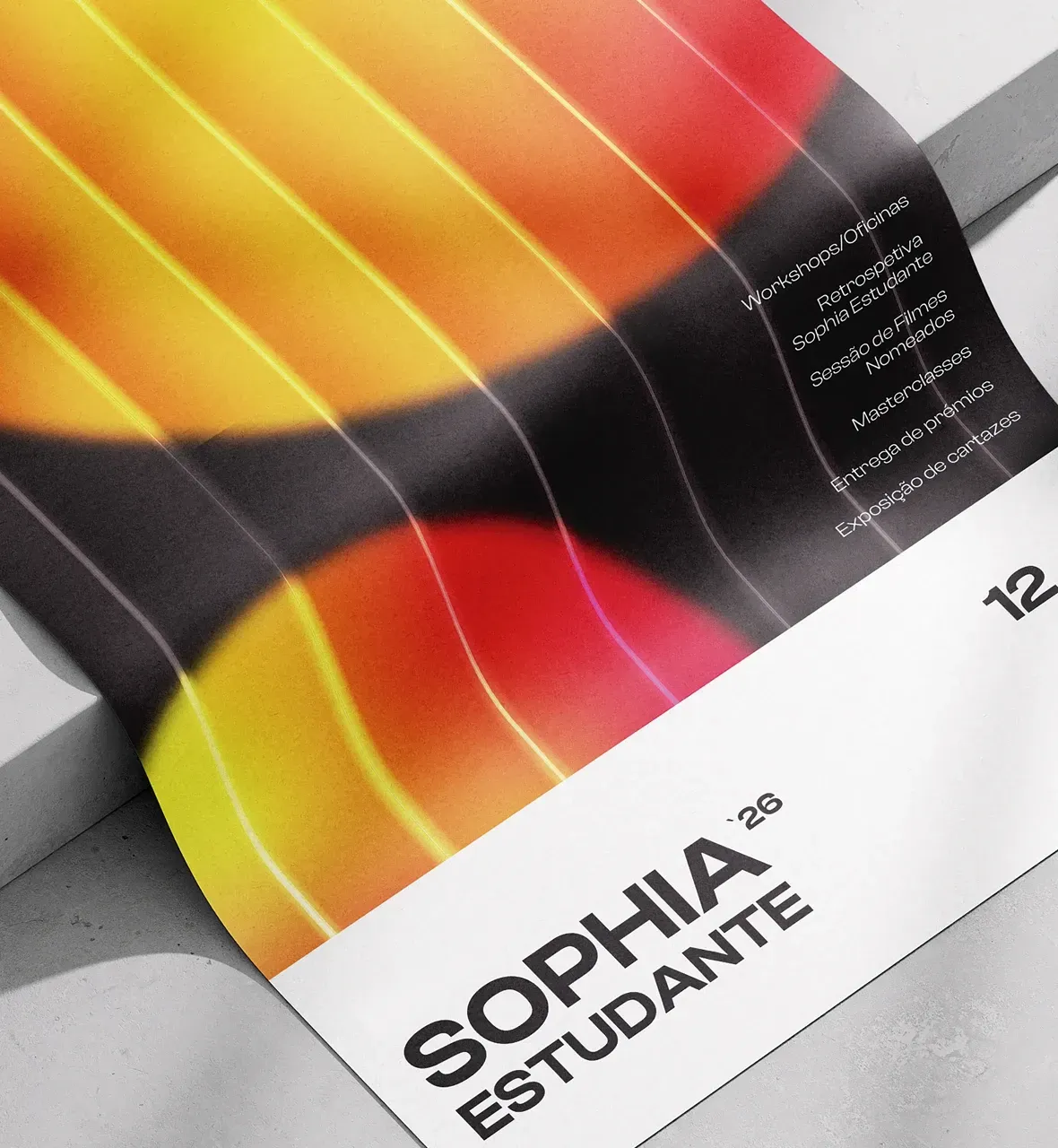
Explore Adobe Illustrator and Turn Your Creativity into Professional Design
In this Adobe Illustrator Short Course, you will learn to master Adobe Illustrator software and discover how to transform ideas into visual designs. Through a practical and creative approach, you will explore vector drawing, composition, and typography tools, developing professional-quality graphic designs.
Learn how to apply colour, shape and visual balance to communicate concepts with impact and confidence. This course is the ideal starting point for anyone who wants to develop skills in Adobe Illustrator and build a solid foundation in graphic design.
33 hours
20 November to 18 December 2026
Monday to Friday, 9.30 am to 12.30 pm
Number of Trainees
Maximum 3
Contents
-
Technological tool: basic principles of Illustrator and its uses.
-
Interface
-
- Control panel: menus, palettes, and tools;
- Workspaces;
- Properties panel;
- Guides;
- XY coordinates;
- Save and zoom;
- Save object selection;
- New document;
- View modes;
- Digital formats.
-
Objects
-
- States and Types of an Object
- Pixel vs Vector;
- Basic Shapes;
- Rotating and Enlarging Objects;
- Live Corners;
- Selecting Objects by Attribute;
- Group / Lock / Hide;
- Space / Align.
-
Pen Tool
-
Artboard
-
- Creating and modifying Artboards;
- Deleting and reorganising Artboards;
- Artboards panel;
- Adjusting objects to Artboards;
- Paste in Place;
- Saving/Exporting Artboards;
- Sharing.
-
Menu Object & Strokes
-
Pathfinder
-
Text boxes
-
- Text formatting;
- Create Outlines;
- Paragraph formatting;
- Text Wrap.
-
Colour
-
- Overview;
- Creating and changing colours;
- Inks vs Transparencies;
- Global Colour;
- Colour libraries;
- Pantones.
-
Images, Layers, and Masks
-
- Import images;
- Link panel;
- Technical layers;
- Group and ungroup via Layers.
-
Basic principles of image formats (export): JPG, PNG, GIF, TIFF, SVG, and RAW, and their main differences
-
Export documents in PDF format (final artwork)
Trainers

Resources and Equipment
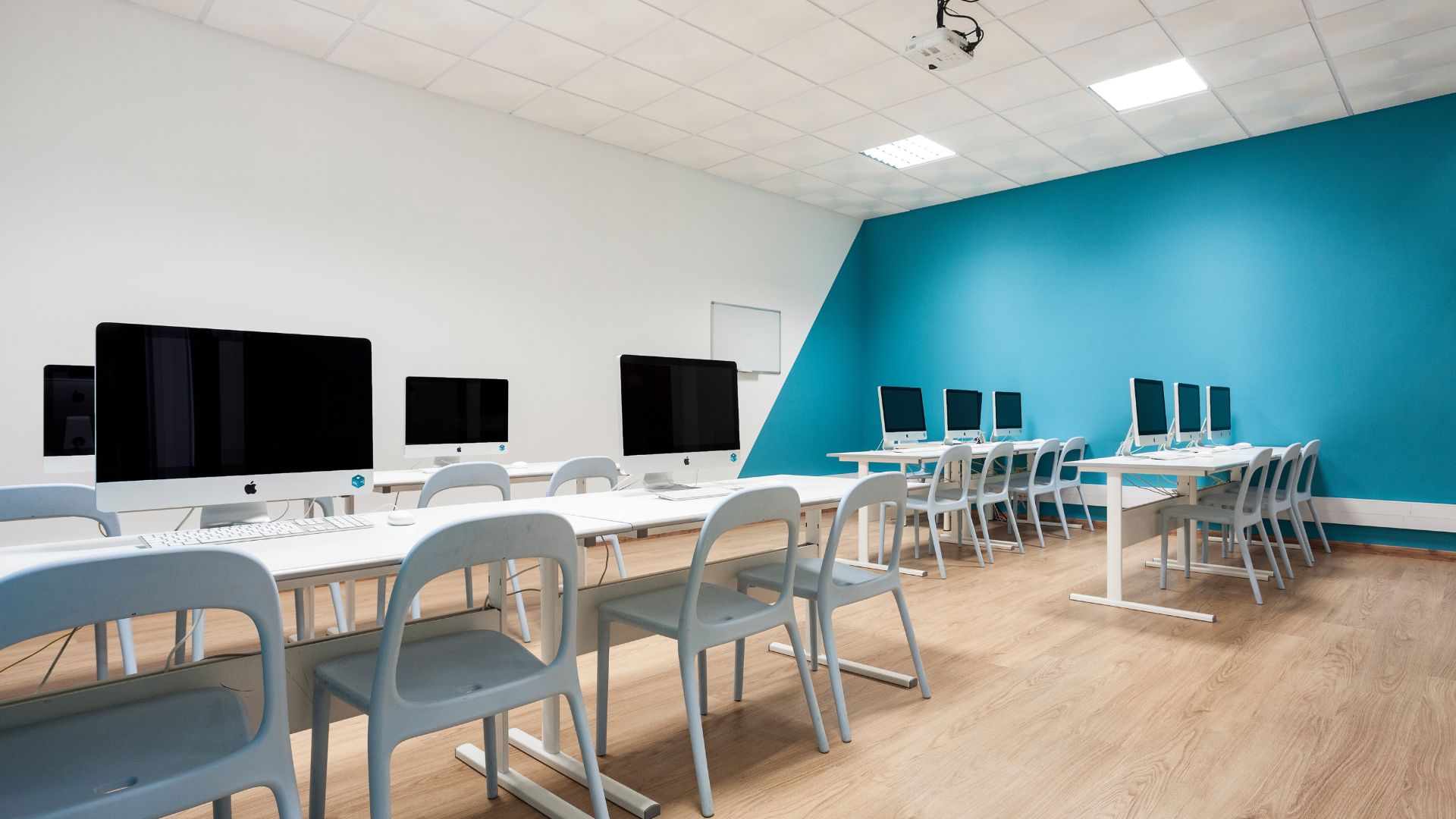
- Room equipped with individual workstations with macOS environment;
- Software: Adobe Creative Cloud, specifically Adobe Illustrator
Portfolio
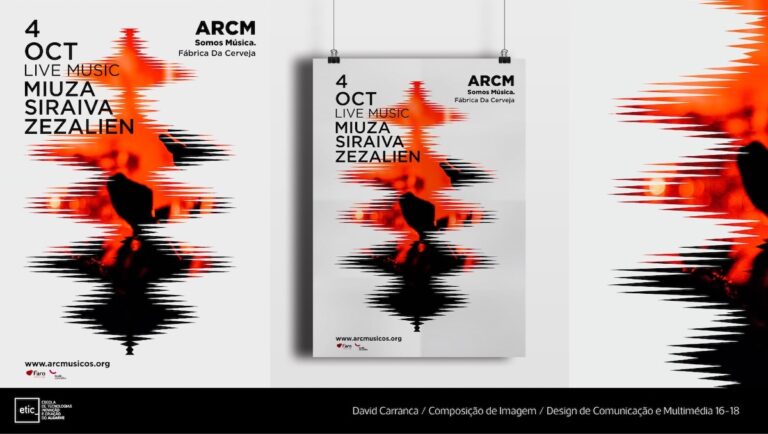
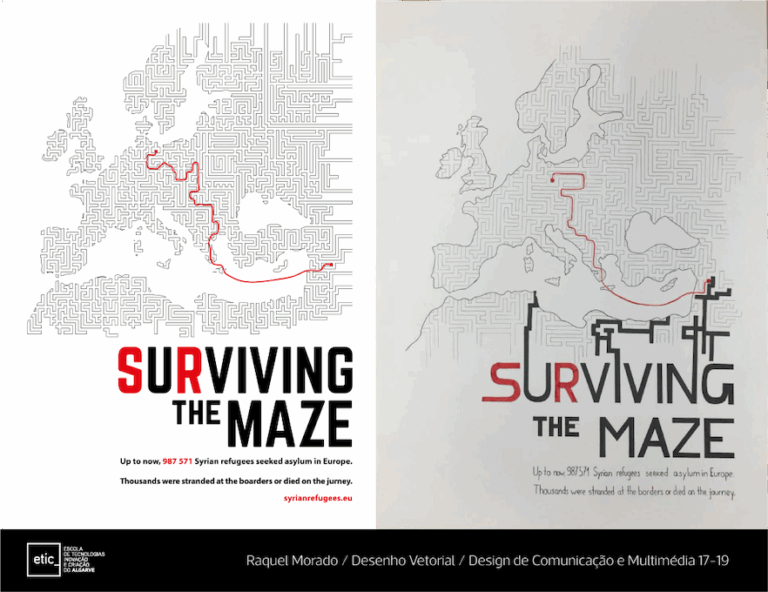
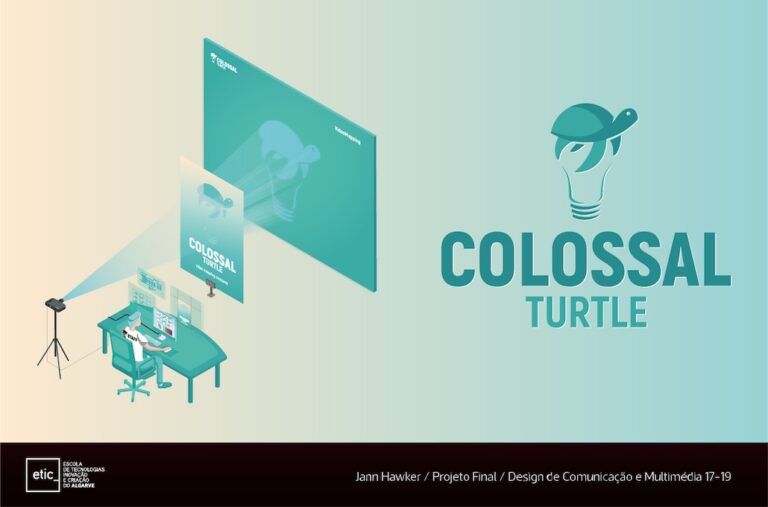
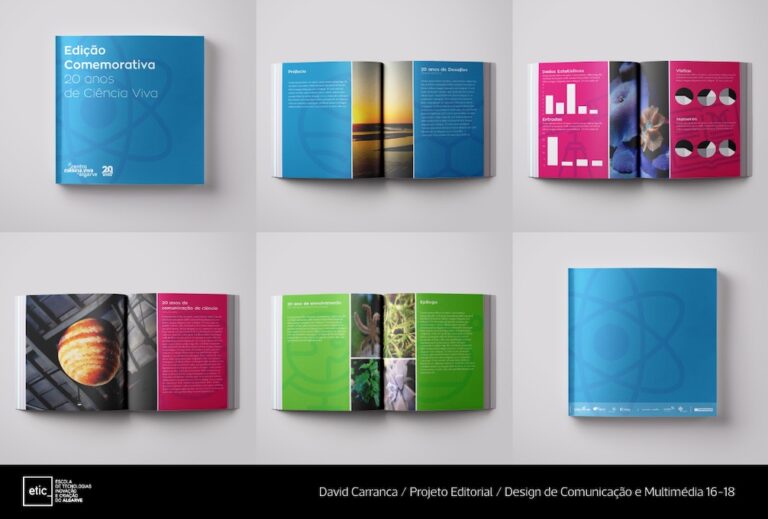
Payment Terms
To enrol in this Short Course, you must make an initial payment to confirm your place.
The remaining amount can be divided into instalments agreed between you and the school. Full payment must be completed by the end of the course.
Course Fee
363€
Special Discounts (not cumulative):
7,5%
335,78€
ETIC_ community discount Immediate cash payment
5%
344,85 €
ETIC _community discount
5%
344,85 €
Public Discount Immediate cash payment
Certification
A Certificate of Participation from ETIC_Algarve will be awarded to participants who achieve the minimum objectives of the course.
Are you interested?
Make a non-binding pre-registration.